ZEUSLAP 13.3inch OLED Anti-glare Touch Portable Monitor for DeX Phone, Switch, PS5, Laptop PC Second Display with Kickstand
Default Title
Sale price
$244.99
Regular price
$253.99
Skip to product information

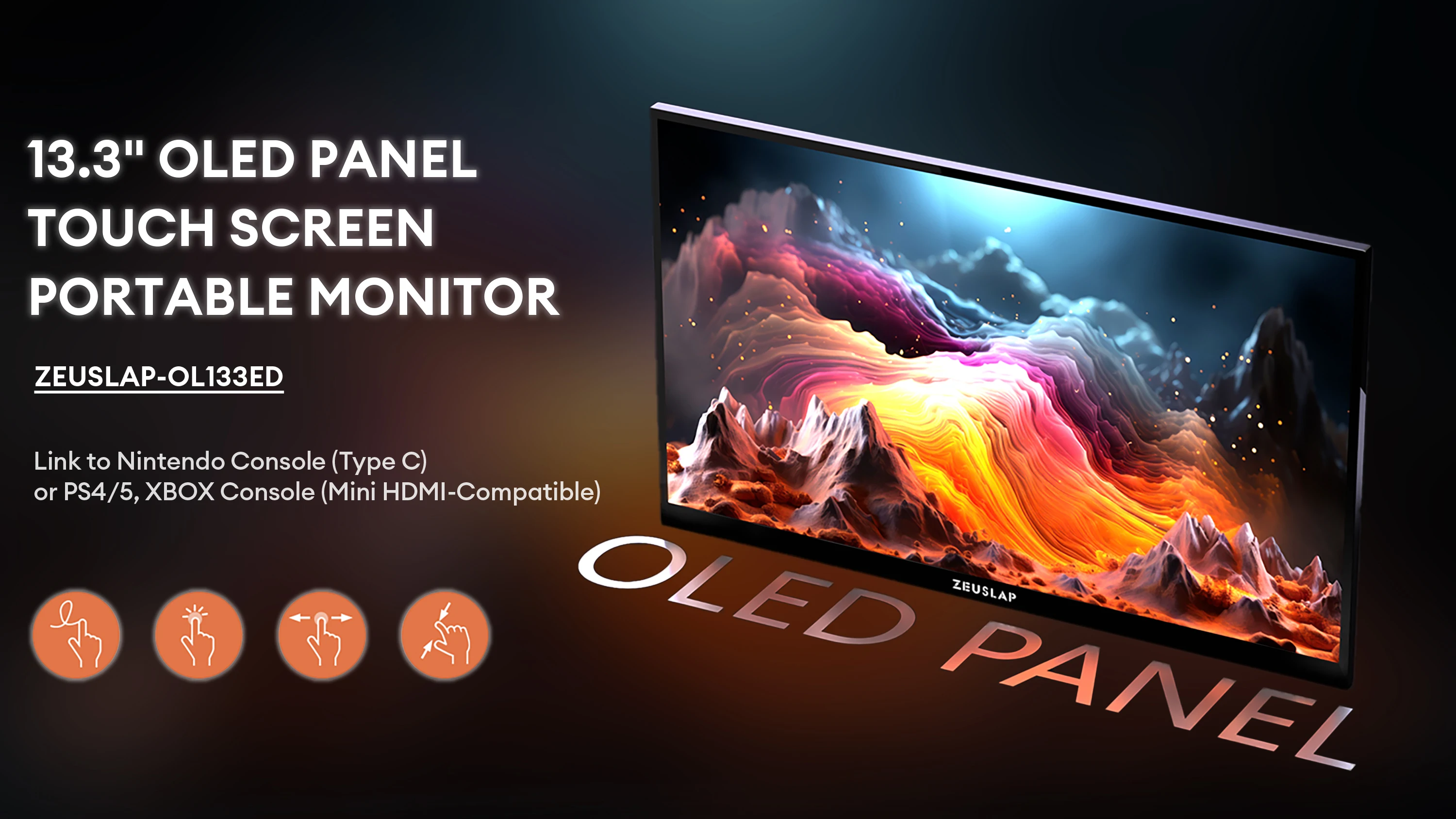
 ZEUSLAP-OL133ED


ZEUSLAP 13.3inch OLED Anti-glare Touch Portable Monitor for DeX Phone, Switch, PS5, Laptop PC Second Display with Kickstand
Sale price
$244.99
Regular price
$253.99
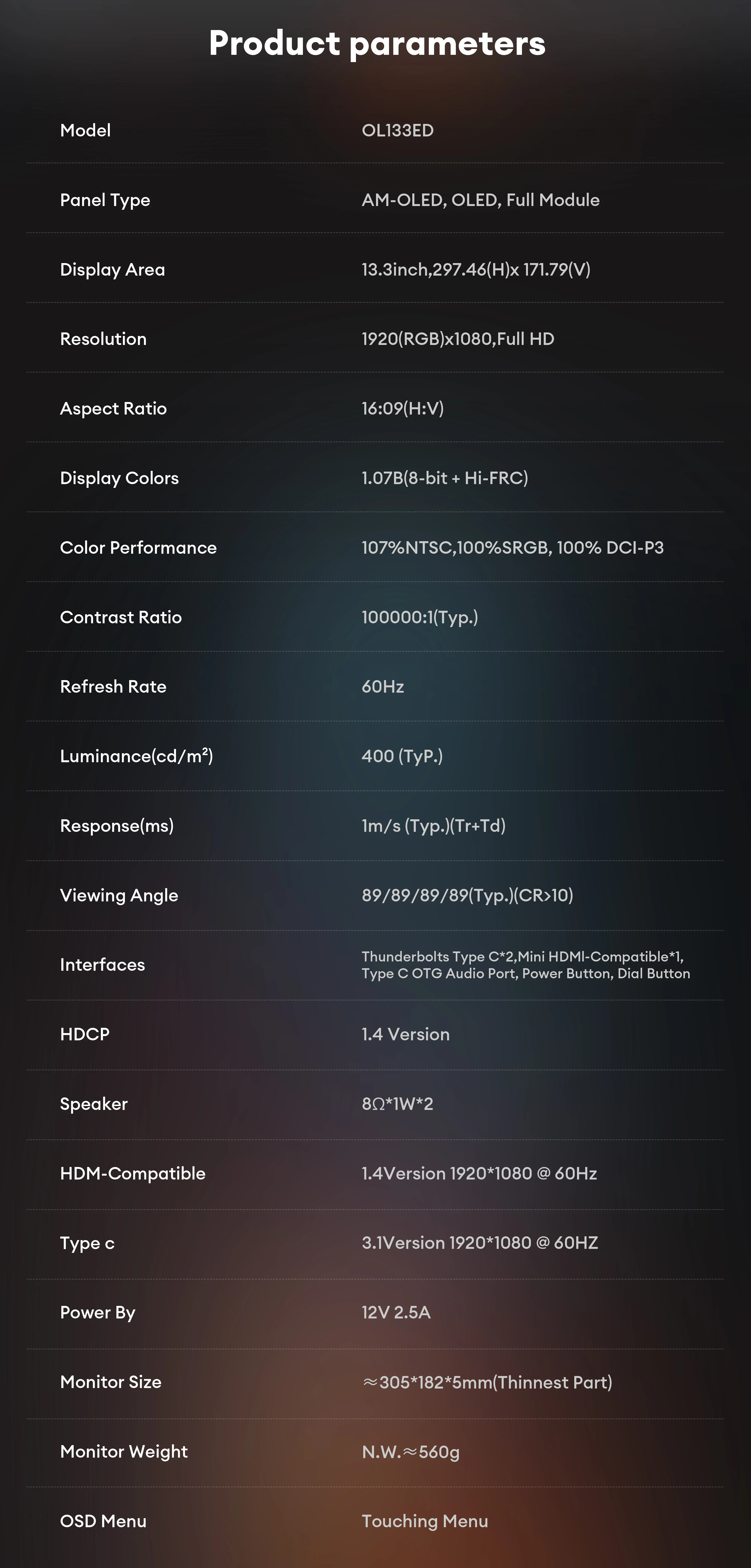
SPECIFICATIONS
Application: Laptop
Black and White Response Time: 4 ms
Bracket Type: Other
Brand Name: ZEUSLAP
Brightness: 400cd/m
Built-in Speaker: Yes
Certification: CE,FCC,RoHS,UL,KC,pse
Choice: yes
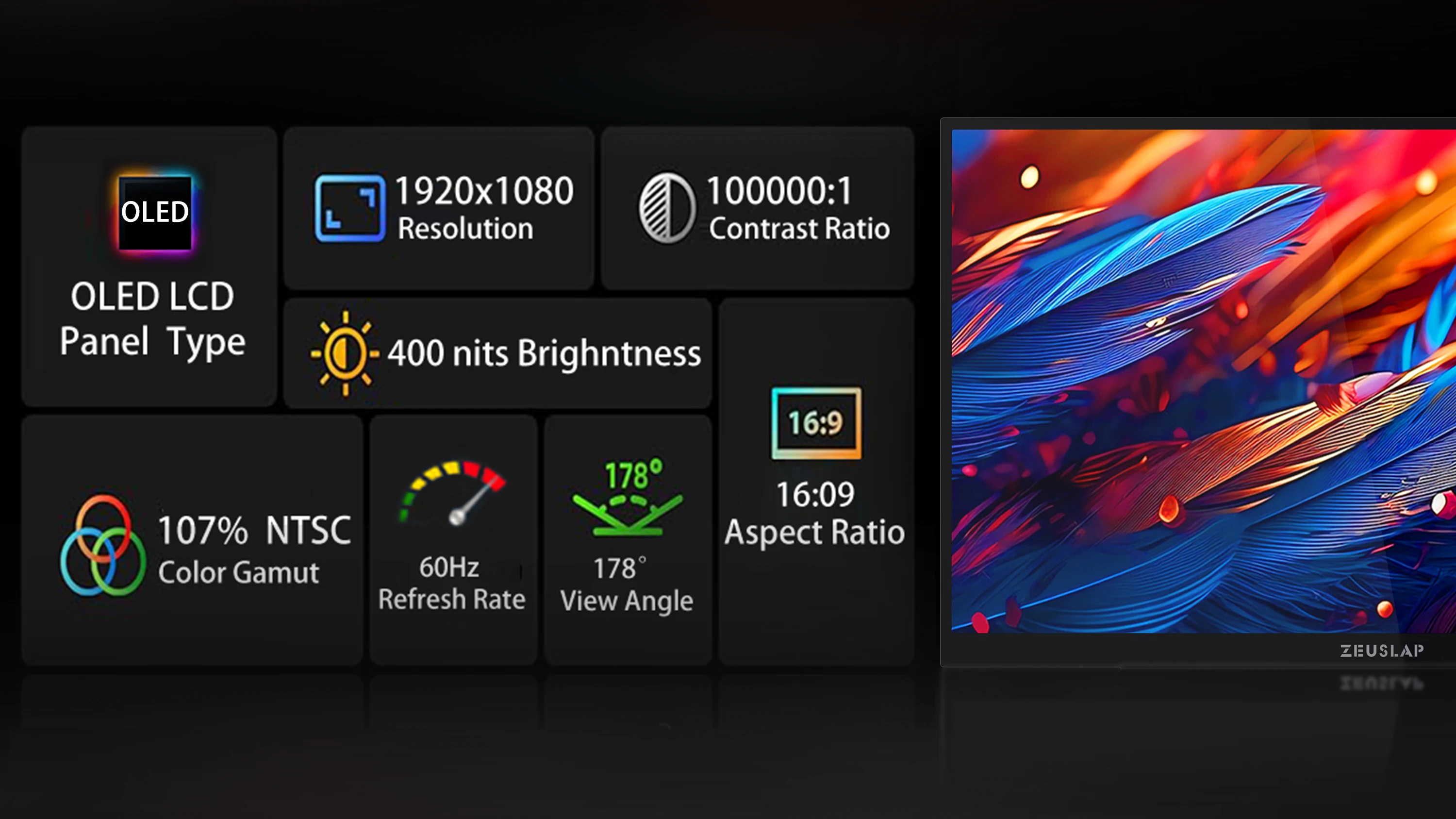
Contrast Ratio: 10000:1
Display Ratio: 16:9
Display Size: 13.3"
Feature: Speaker
High-Dynamic Range: HDR10
High-concerned chemical: None
Horizontal Viewing Angle: 178°
Interface Type: Type-C
Matrix color depth: 10 bit
Origin: Mainland China
Panel Type: OLED
Plug Type: EU Plug
Products Status: STOCK
Refresh Rate: 60 Hz
Resolution: 1920x1080
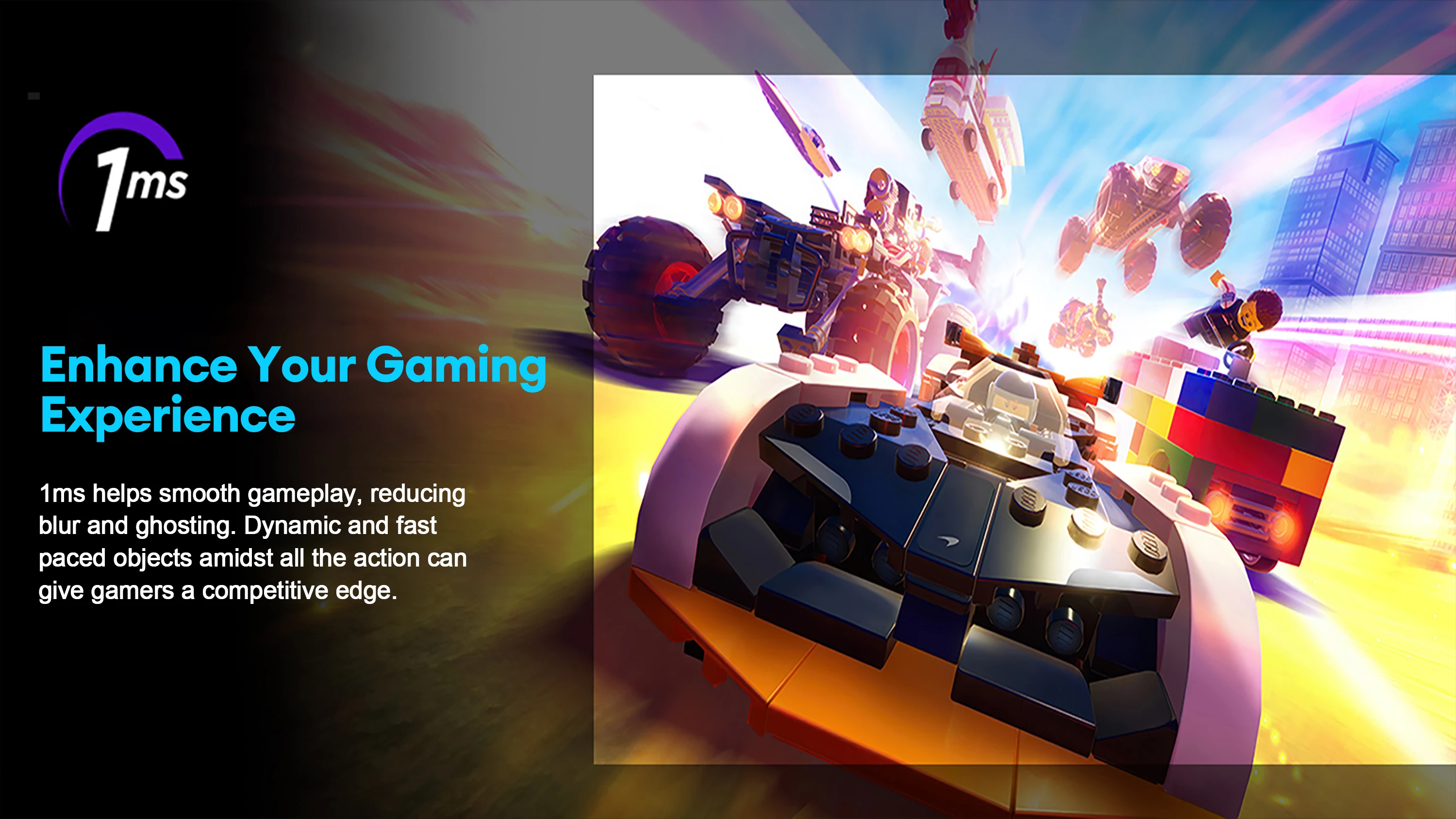
Response Time: 1MS
Screen Type: LCD
Screen curvature: NONE
Screen surface: MATT
Vertical Viewing Angle: 178°
ZEUSLAP-OL133ED
ZEUSLAP OL133ED 13.3-inch FHD OLED Portable Monitor with Multi-Touch
Unleash Your Vision, Anywhere.
*The ZEUSLAP OL133ED is a premium 13.3-inch portable monitor designed to revolutionize how you work and play.
*Featuring a stunning OLED display with a 10-point multi-touch screen, it delivers unparalleled color and clarity for professionals and gamers on the go.
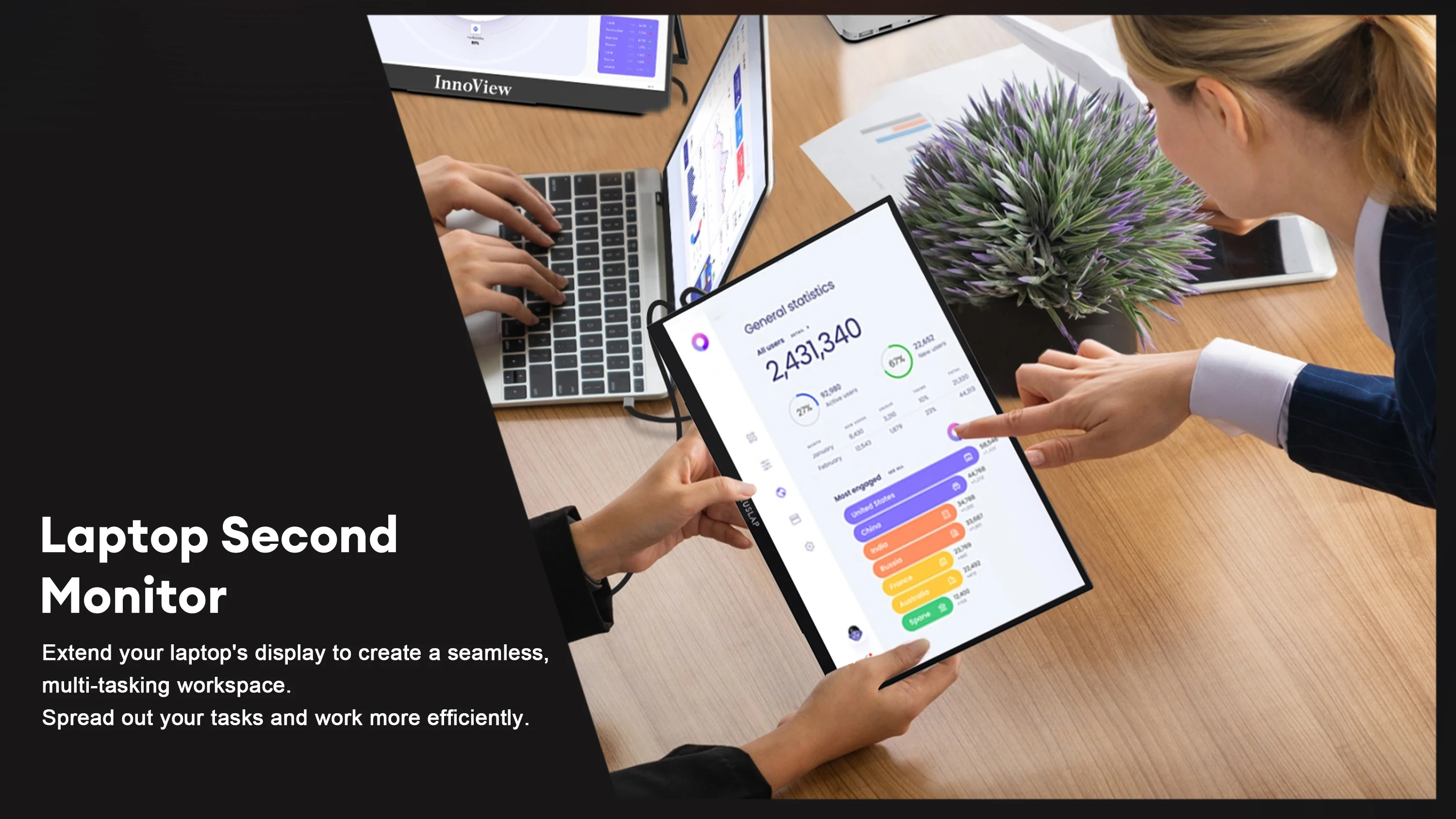
*Expand your workspace, immerse in entertainment, or create with precision—all from a sleek, ultra-thin device that fits in your bag.
🎯 Brilliant 13.3" FHD OLED Anti-Glare Panel
*Experience true-to-life visuals with a Full HD (1920x1080) resolution.
*The anti-glare surface glass eliminates reflections, providing a clear view even in bright environments.
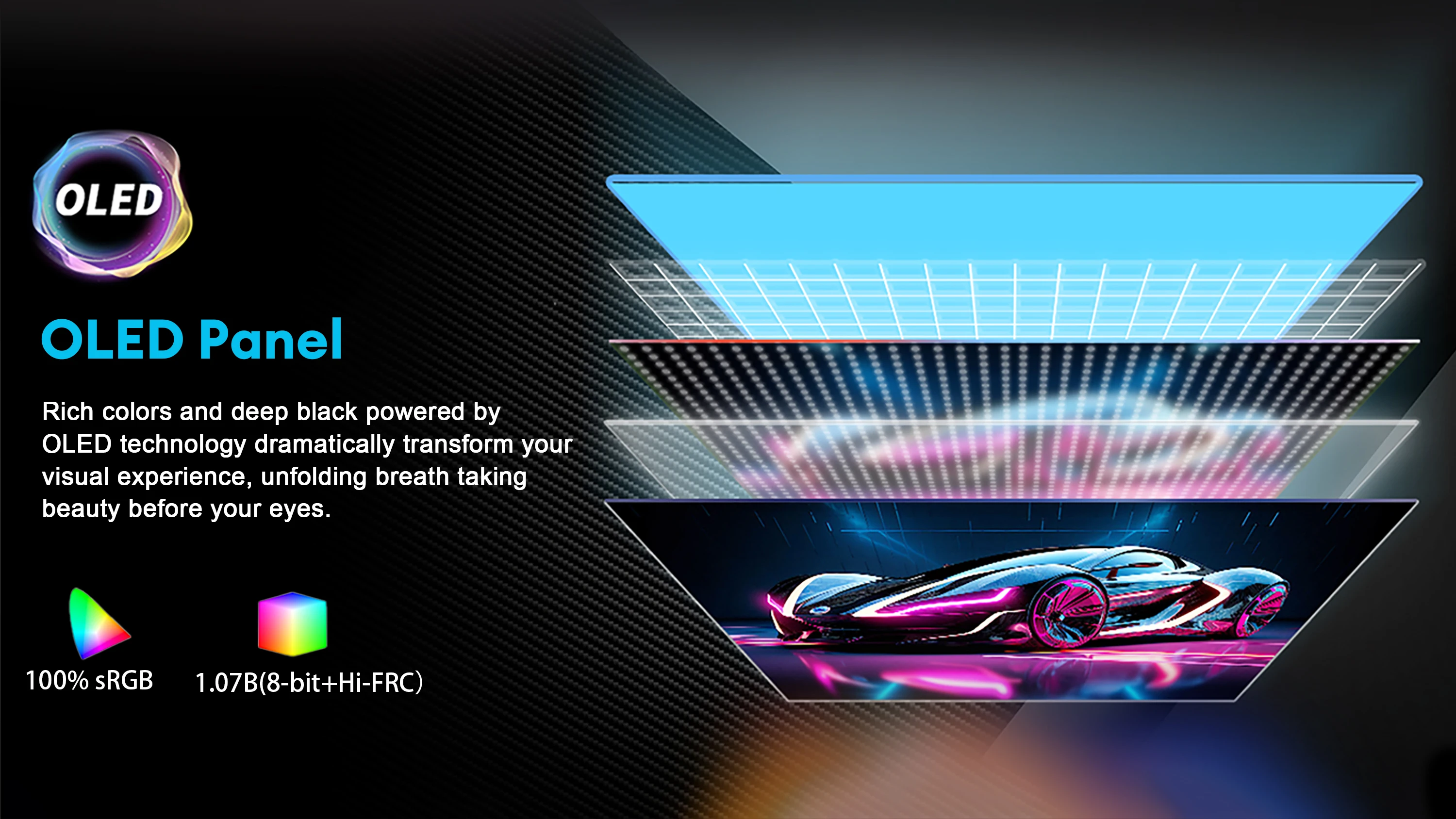
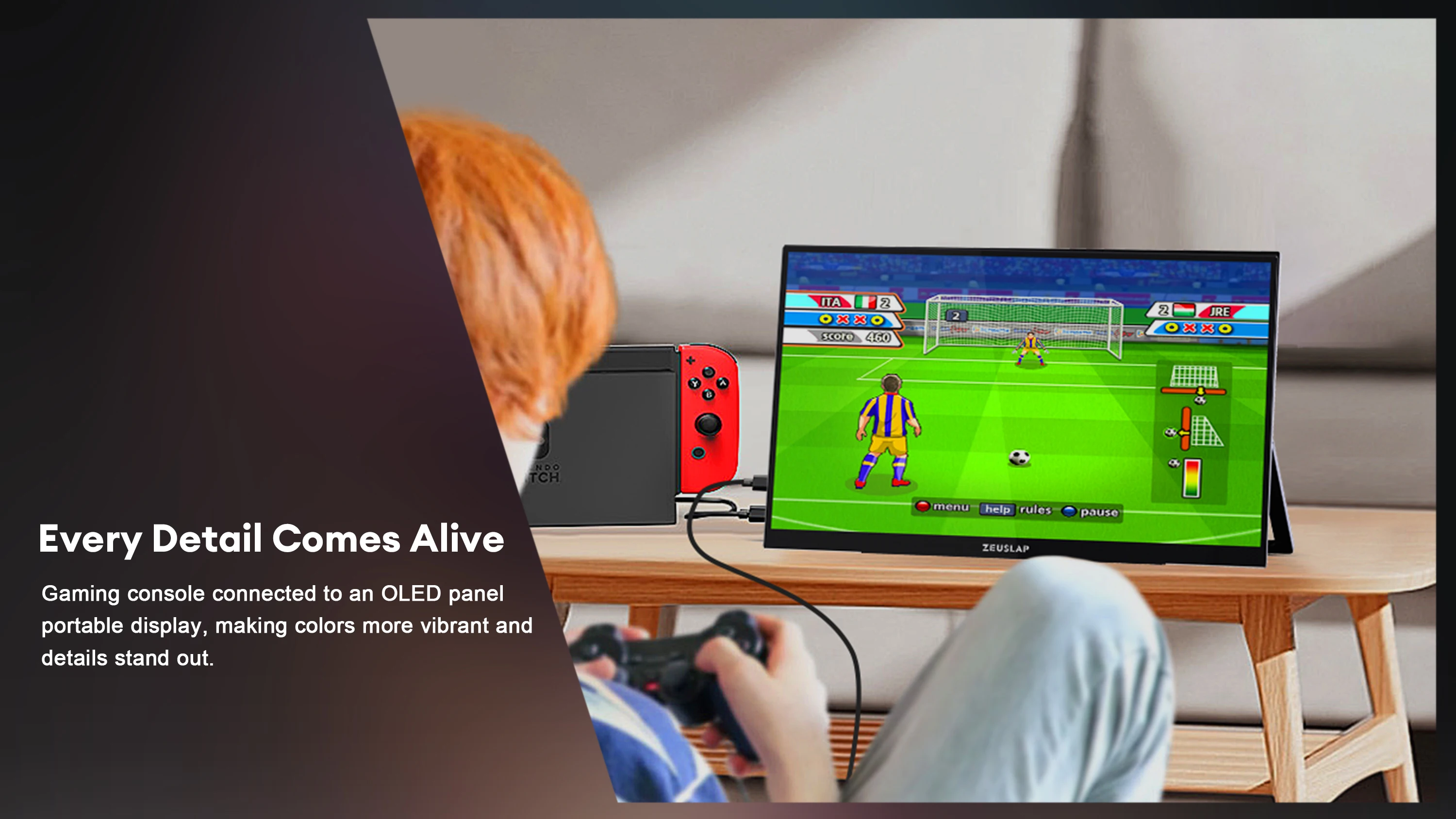
*Self-lighting OLED pixels deliver perfect blacks, infinite contrast, and vibrant colors.
👆 10-Point Multi-Touch Support
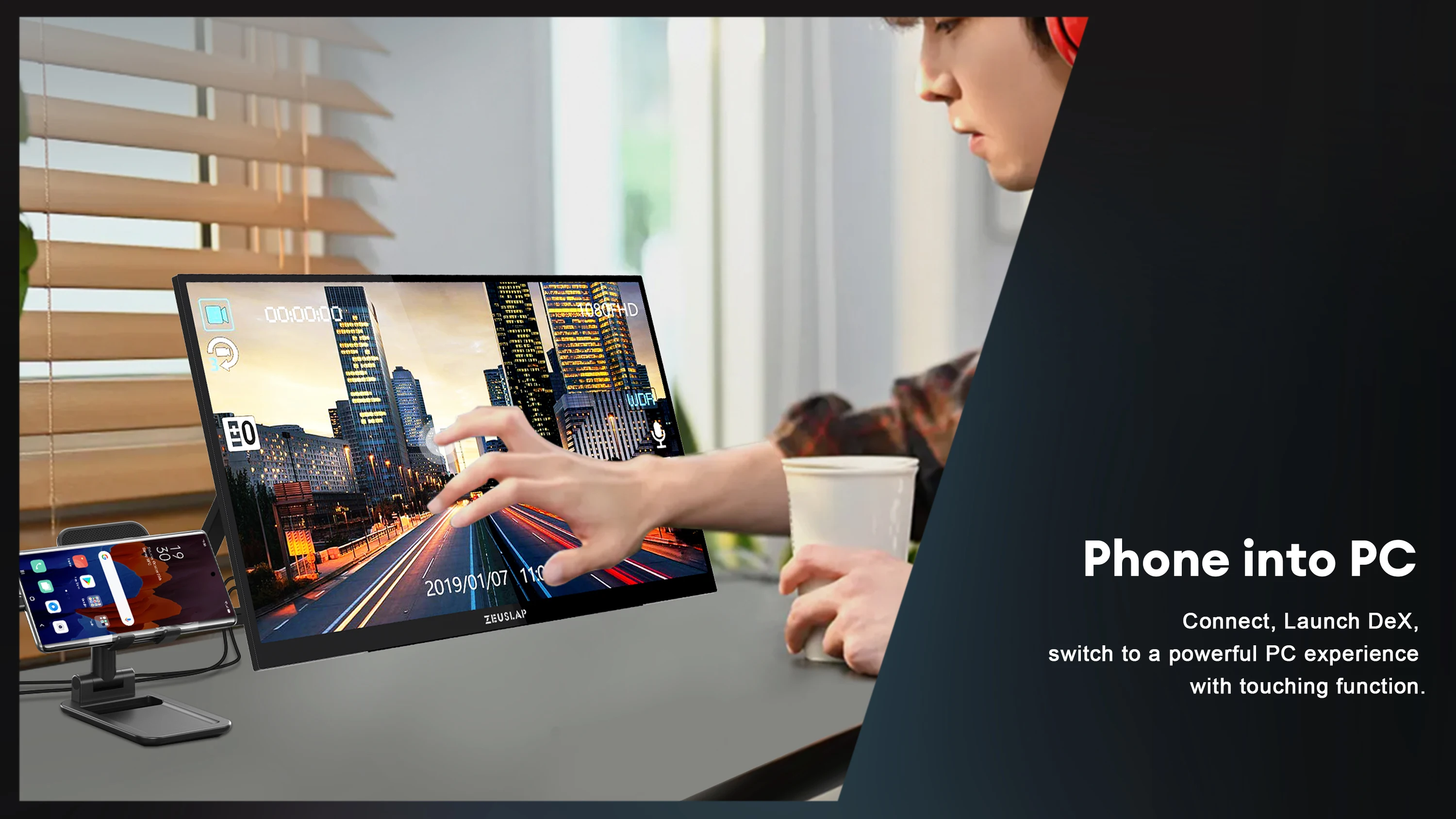
*Intuitive touch control for phones and laptops—drag, drop, zoom, and swipe with ease.
*Enhance productivity with hands-on interaction for design, editing, or presentations.
🌈 OLED Rich Color Performance
*Original OLED panel with 1.07 billion colors (8-bit + Hi-FRC).
*Wide color gamut coverage: 100% sRGB, 100% DCI-P3, and 107% NTSC.
*Ideal for color-critical work like video editing, graphic design, and digital art.
🔌 Universal Connectivity
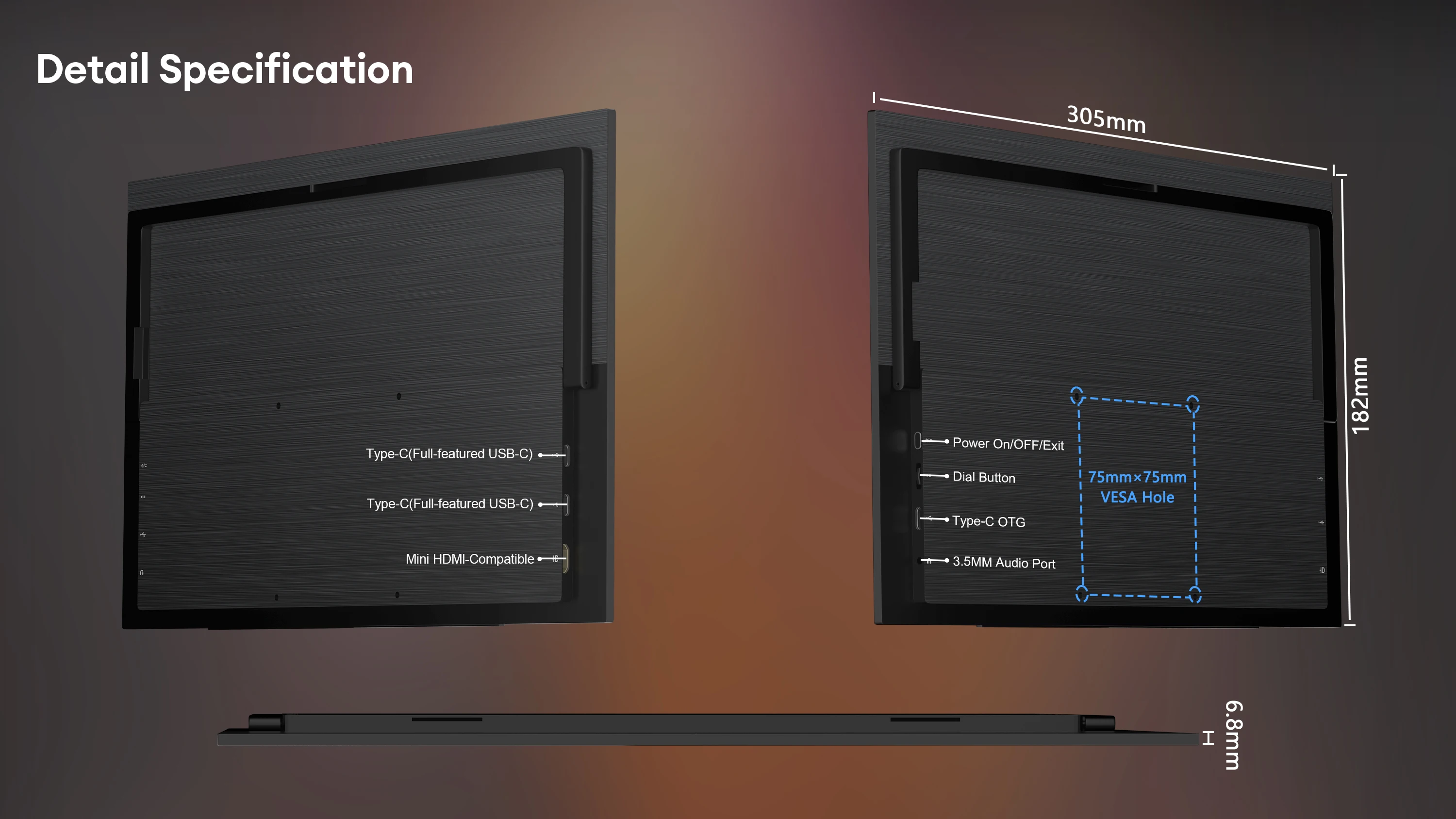
*Dual Thunderbolt Type-C + Mini HDMI ports support a wide range of devices:
*Phones (Samsung DeX, etc.)Laptops, PCs, Tablets Gaming Consoles (PS4/PS5, Xbox, Nintendo Switch*)TV Boxes, Mini PCs
*Note: Touch function is not supported on gaming consoles or tablets.
👆 Slide-Down Touch OSD Menu
*Simply swipe two fingers down from the top-right corner to open the settings menu.
*Adjust brightness, color mode, volume, and more with a touch—no physical buttons needed.
💼 Ultra-Thin Metal Body with Built-in Kickstand
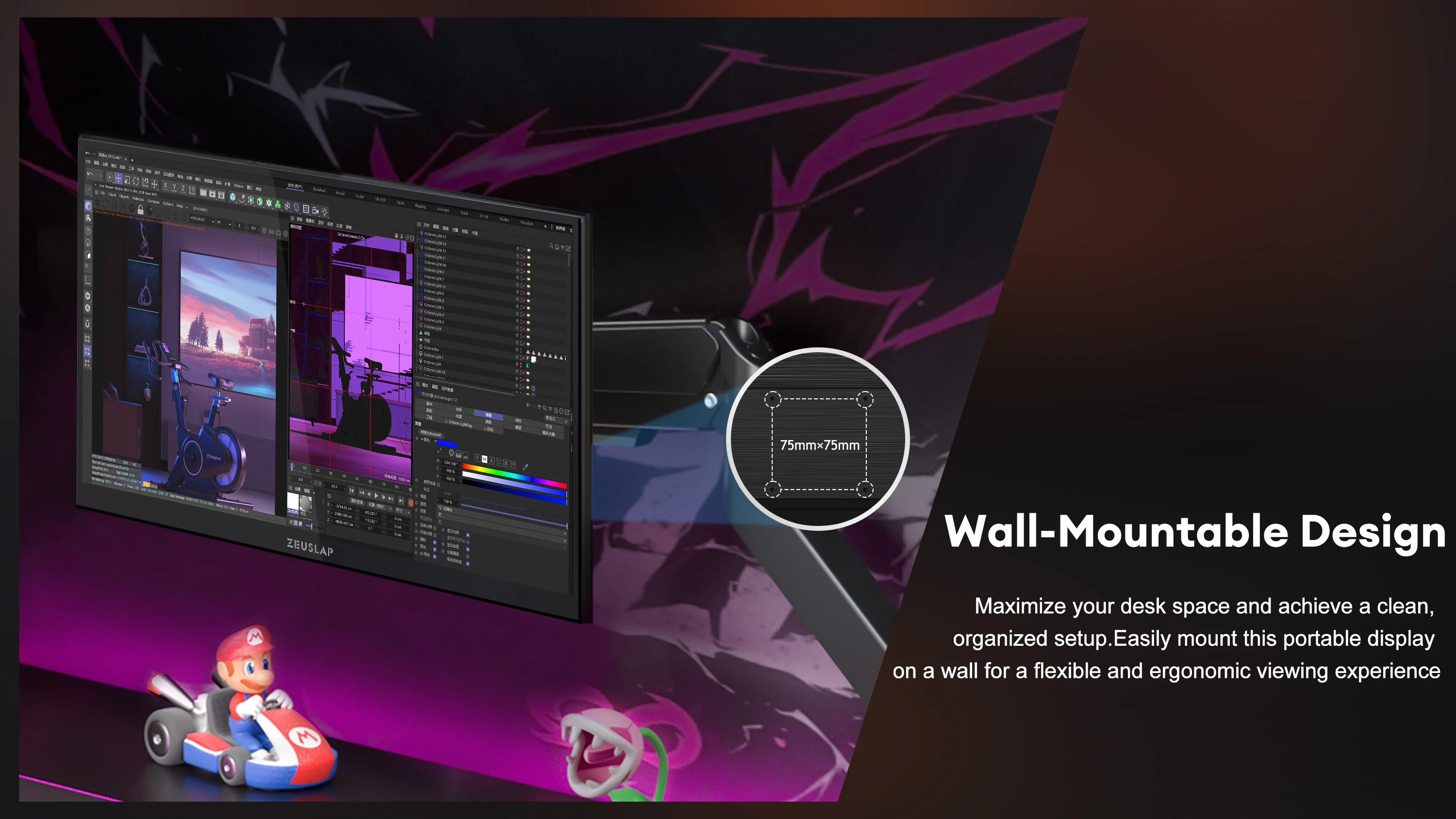
*Sleek, durable metal construction with a foldable rear stand for stable desktop use.
*Portable and lightweight—perfect for business trips, co-working spaces, or home office setups.
Type-C Connection Compatibility:
1. Supported: Devices with a Type-C port that supports Thunderbolt™ or DisplayPort Alt Mode.
2. Not Supported: Standard Type-C ports that only handle data and power.
3. Note: Compatibility depends on your specific device model.
Important Touch Screen Notice
For the touch feature to work, your device must be connected for both video and data. Please be aware of the following:
✅ What DOES Support Touch:
Phones: Mirror mode and DeX mode
Laptops: Windows (10-point multi-touch) and Mac OS (1-point touch).
❌ What does NOT Support Touch:
All Tablets (including iPad, Android tablets, etc.)
Gaming Consoles, CCTV, TV Boxes.
Setup for Laptop Touch over HDMI:
If you are connecting your laptop via HDMI, you must ALSO connect a USB cable for touch to work:
1. Use a Mini HDMI to HDMI cable for the video connection.
2. Use a USB to Type-C cable (connect to the middle monitor port) for the touch function.
3. Remember to plug the monitor into a power outlet.