16-Inch Portable Gaming Monitor 165Hz/120Hz 300cd/m Low Blue Light For XBox PS4 / 5 Switch Cell Phone PC Loptop Extension
16 Inch 1200P 165Hz
Sale price
$126.99
Regular price
$131.99
Skip to product information


16-Inch Portable Gaming Monitor 165Hz/120Hz 300cd/m Low Blue Light For XBox PS4 / 5 Switch Cell Phone PC Loptop Extension
Sale price
$126.99
Regular price
$131.99
SPECIFICATIONS
Application: Laptop
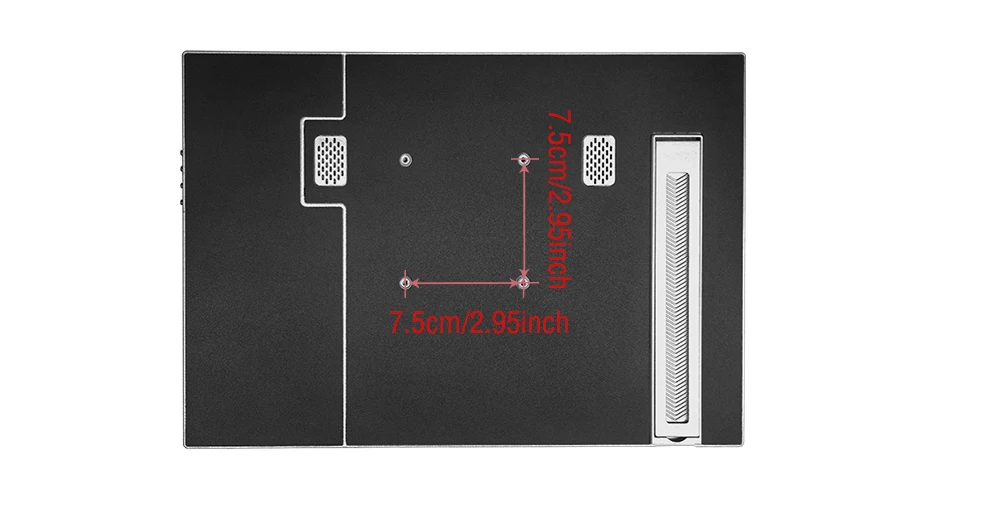
Bracket Type: Ordinary Bracket
Brand Name: Anmite
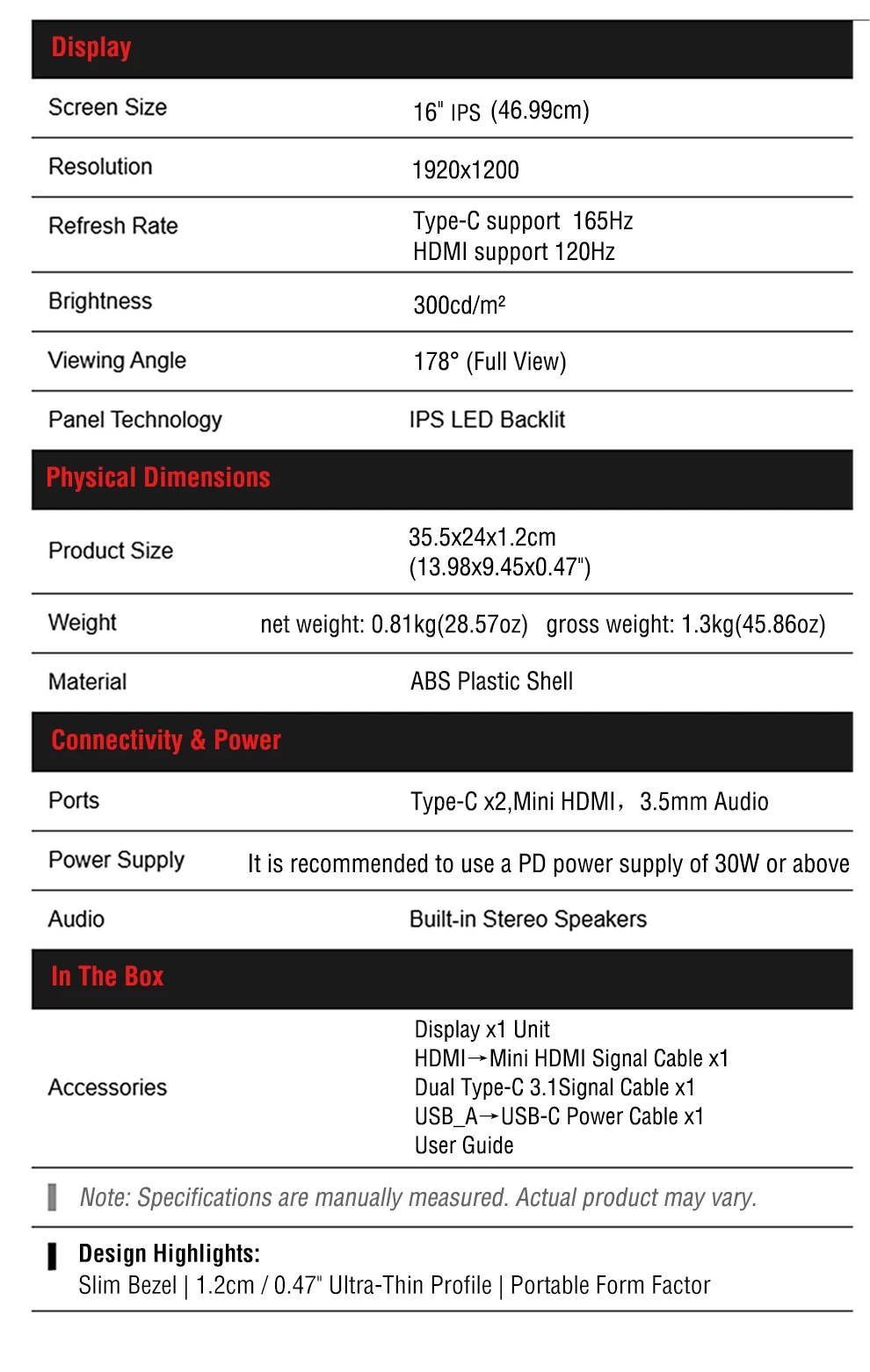
Brightness: 300cd/m
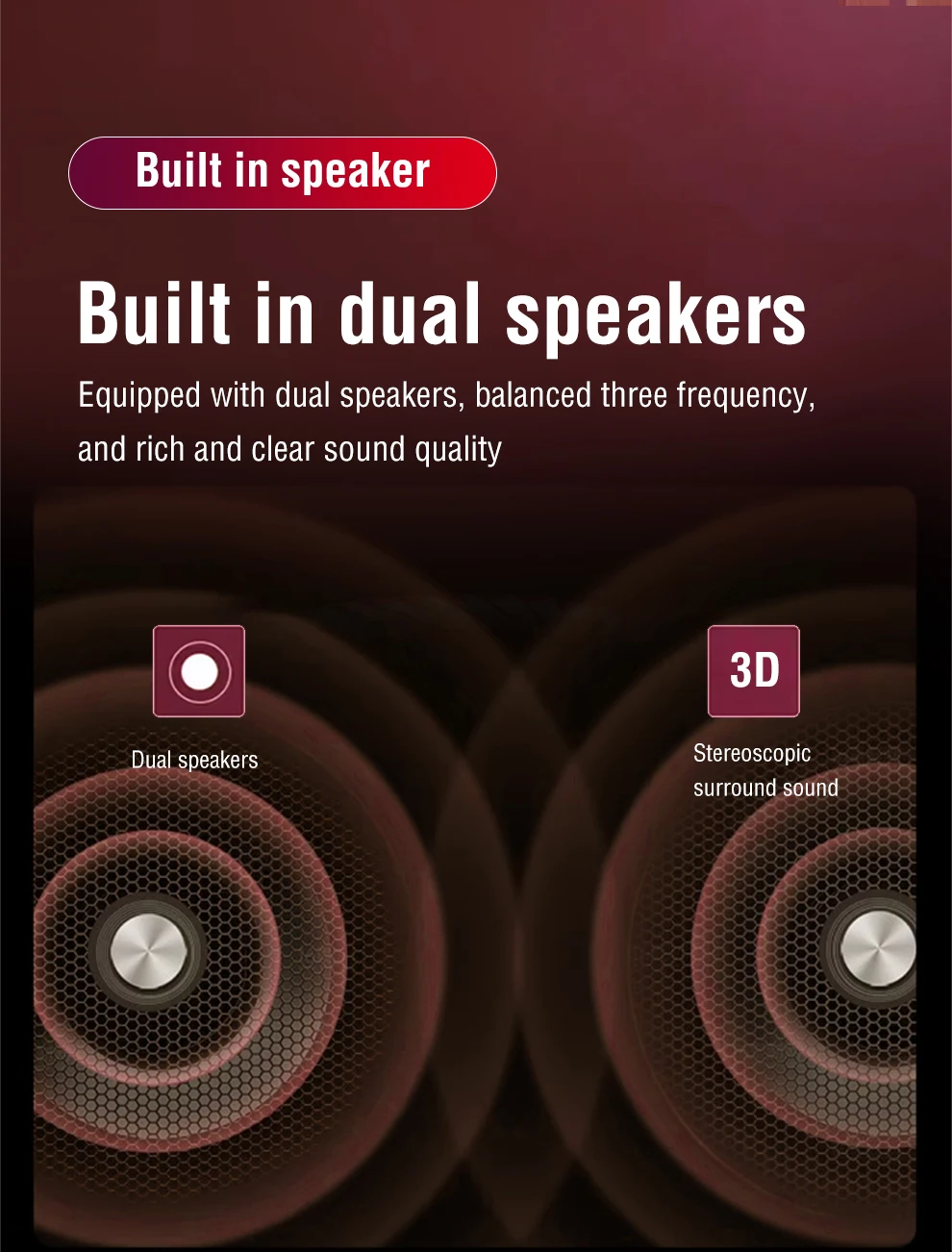
Built-in Speaker: Yes
Certification: CE,FCC,RoHS,weee
Choice: yes
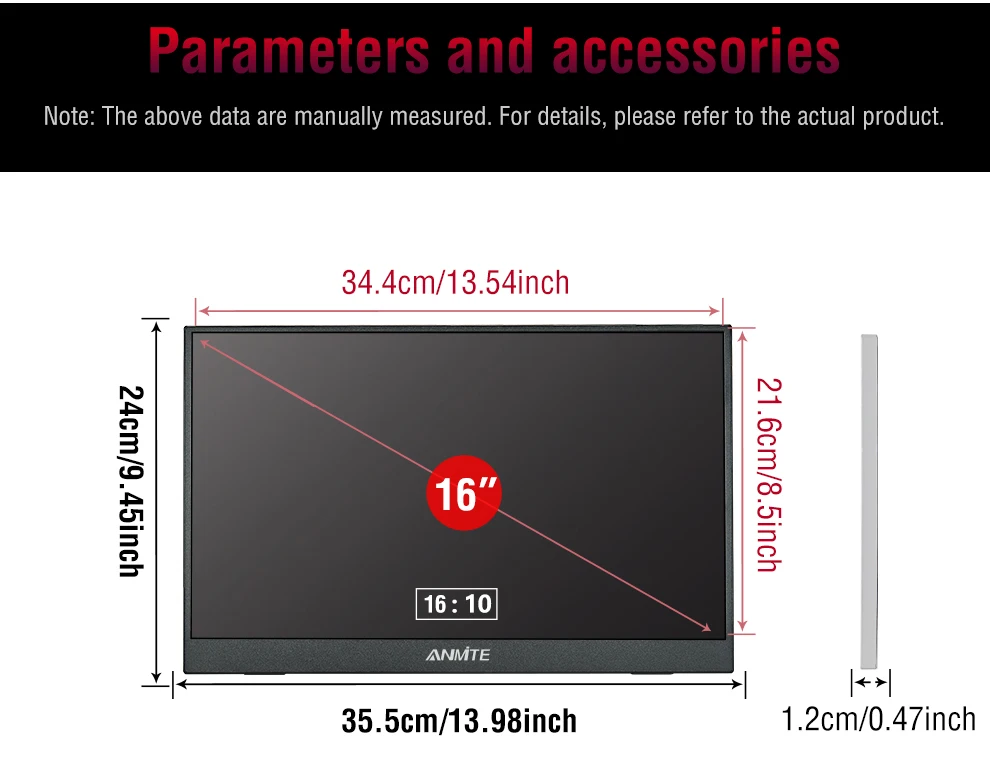
Display Ratio: 16:10
Display Size: 16 inch
Feature: Usb port,Speaker,Gaming
High-Dynamic Range: HDR10
High-concerned chemical: None
Horizontal Viewing Angle: 178°
Interface Type: Type-C
Matrix color depth: 8 bit
Origin: Mainland China
Panel Type: IPS
Products Status: STOCK
Refresh Rate: 165 Hz
Resolution: 1920x1200
Response Time: 3ms
Screen Type: WLED
Screen curvature: None
Screen surface: MATT
Vertical Viewing Angle: 178°
16-inch 165Hz 300nits Portable Monitor
Thunderbolts Type C 3.1 Version: 144Hz/165Hz
HDMI Compatible Version 2.0: 120Hz
Main Features:
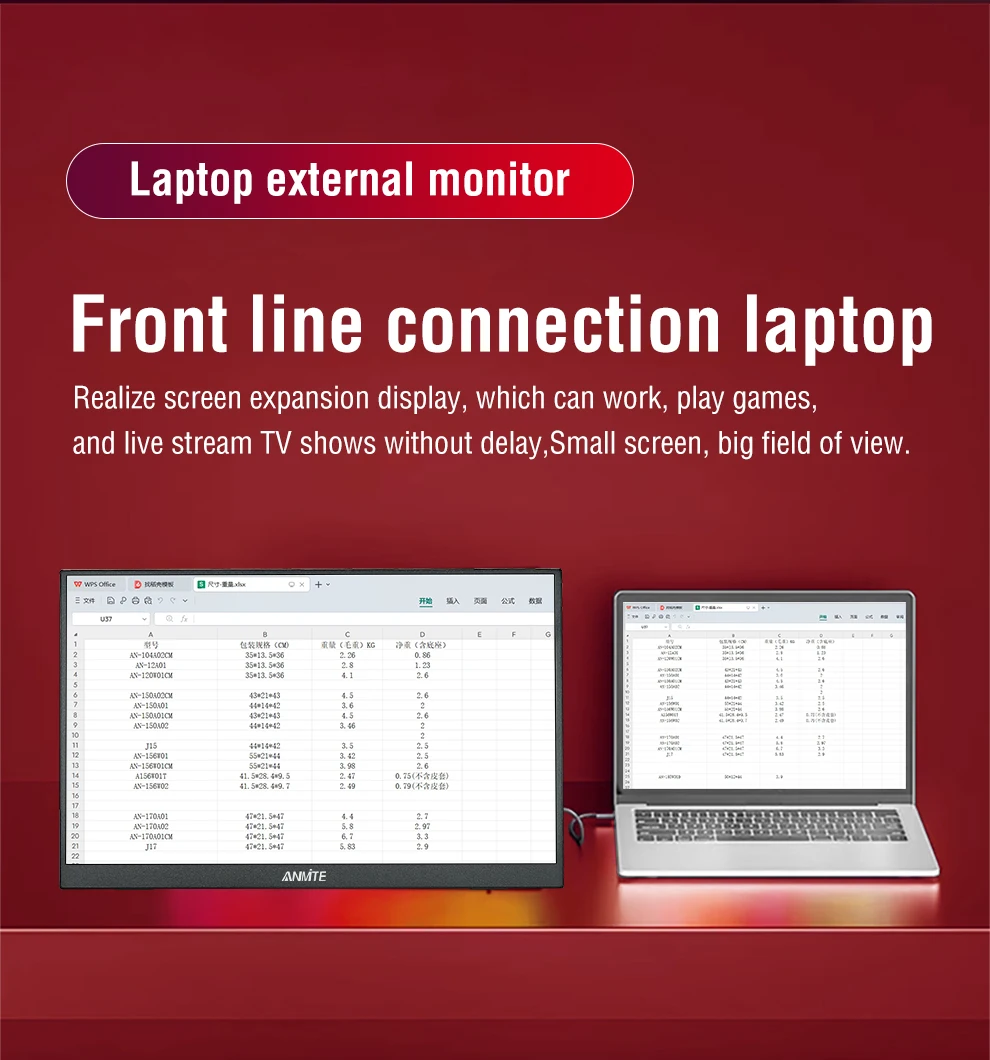
16-inch 165Hz 16:10 Anmite A160W04H has a FHD resolution of 1920*1200P, a 16-inch IPS panel, and a 16:10 screen ratio, making it a mainstream and stylish monitor in 16:10 laptop design.
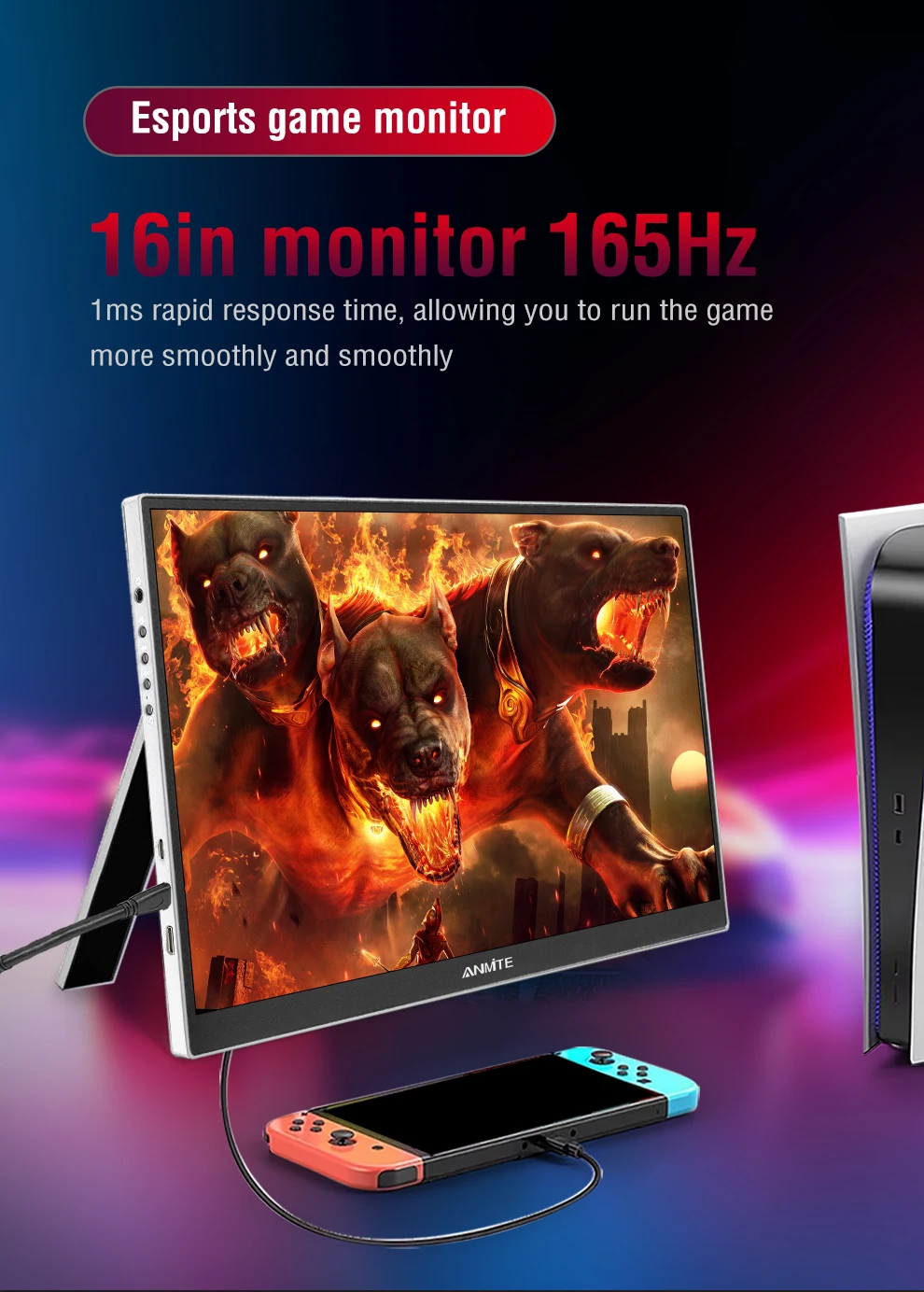
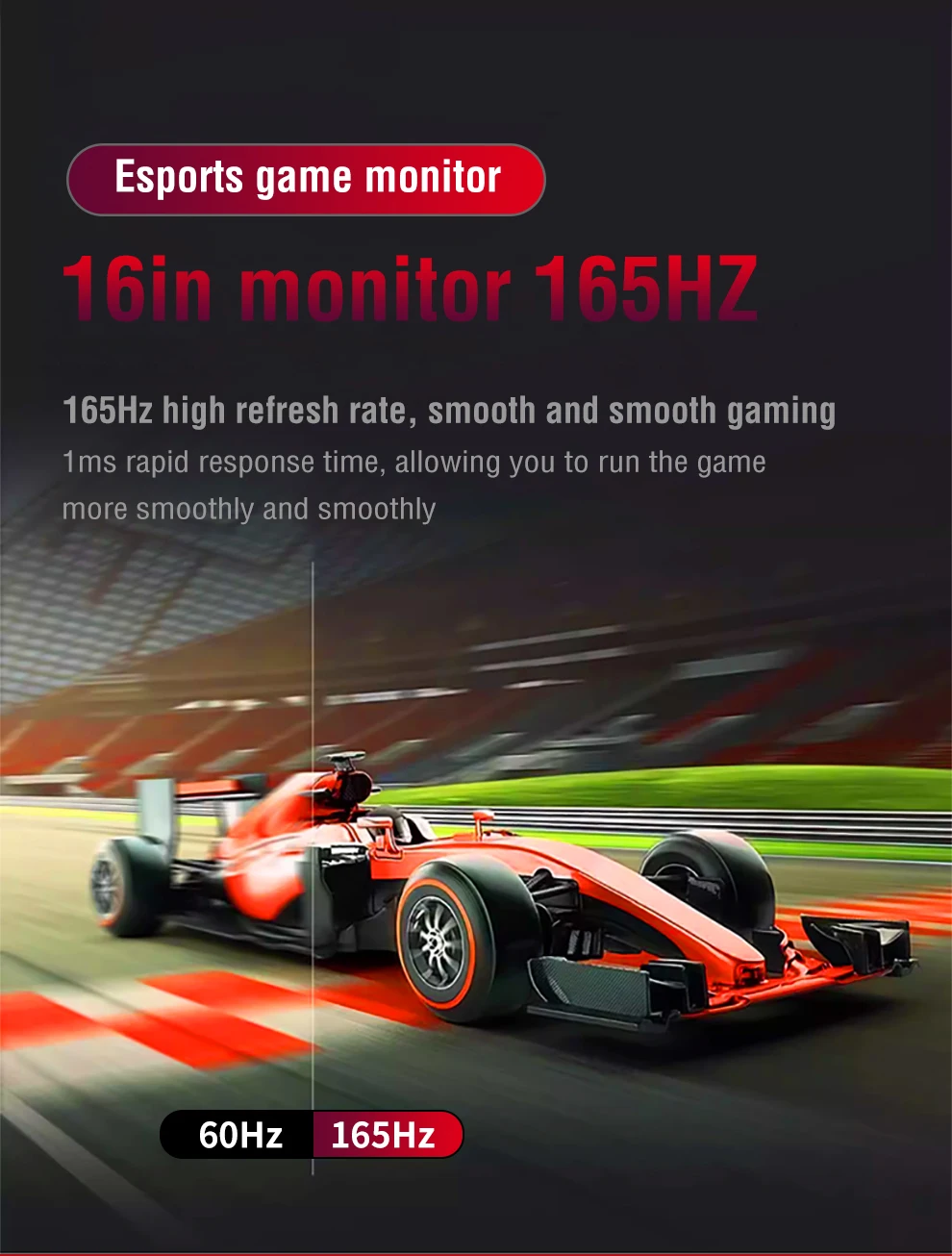
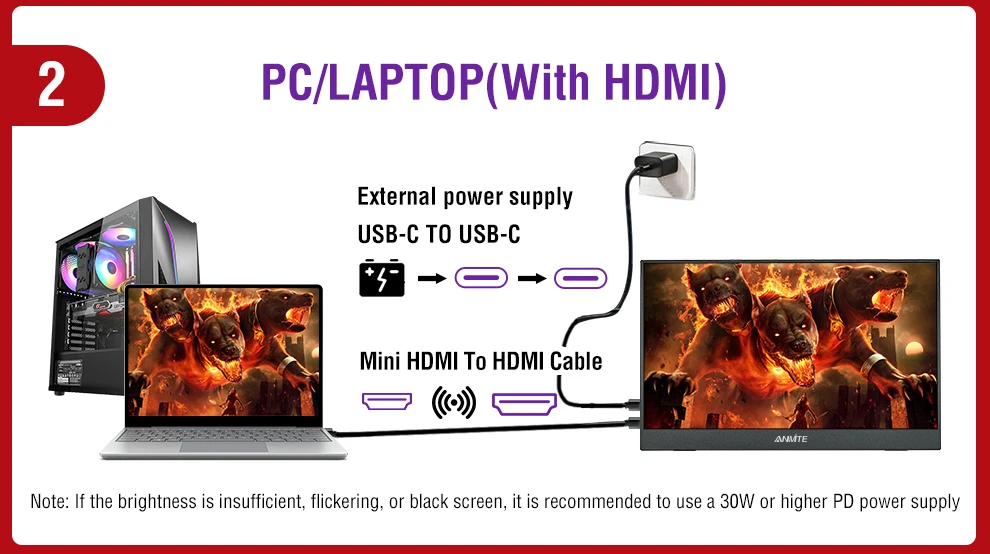
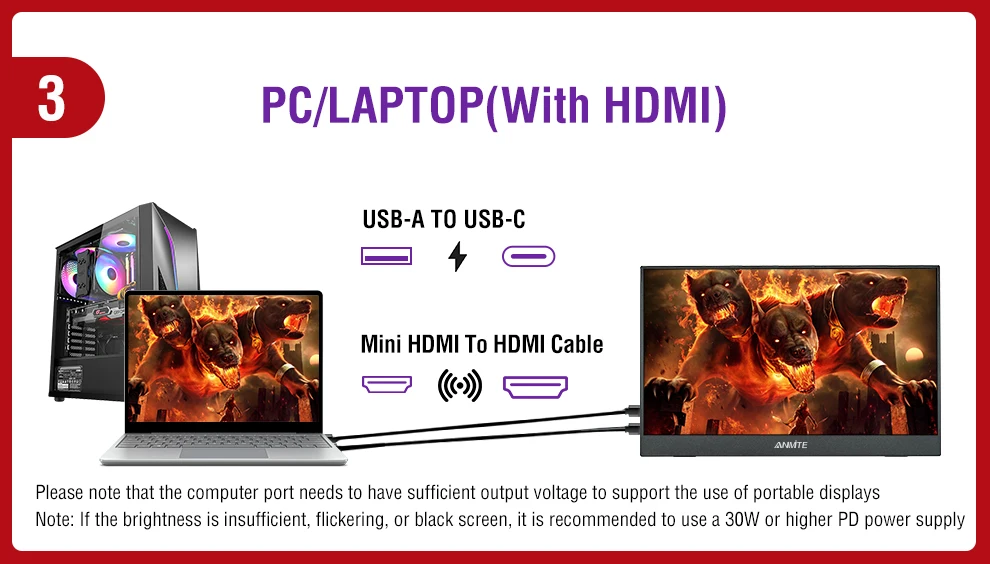
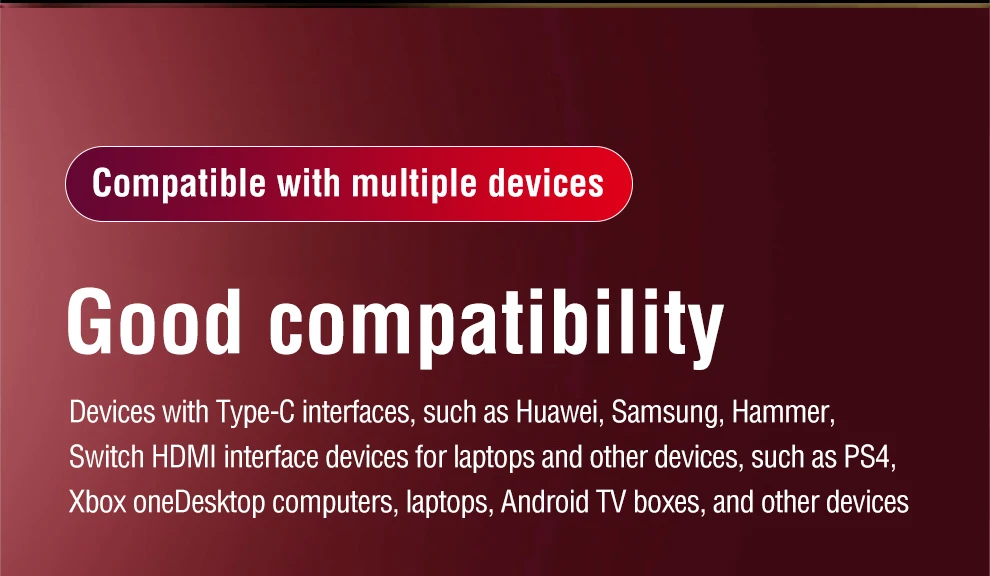
165Hz ANMITE A160W04H supports 165Hz Thunderbolts Type C interface and supports 120Hz high refresh rate for HDMI. Quick response, work more efficiently. Please check if your graphics card supports it.
Rich color gamut] Anmite A160W04H has 300 nits brightness, 1200:1 brightness, 100% sRGB, 76% NTSC color gamut, 79% DCI-P3 color gamut, and uses a 16 billion color 8Bit+FRC color saturation display, bringing realistic color display effects and immersive gaming experience.
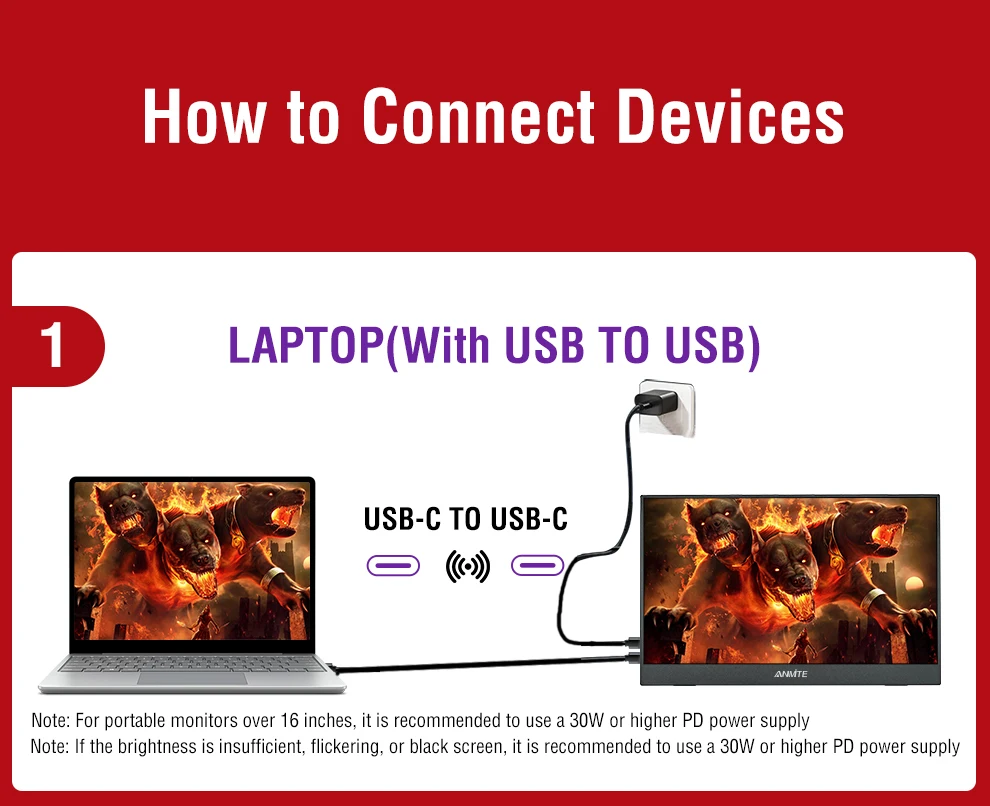
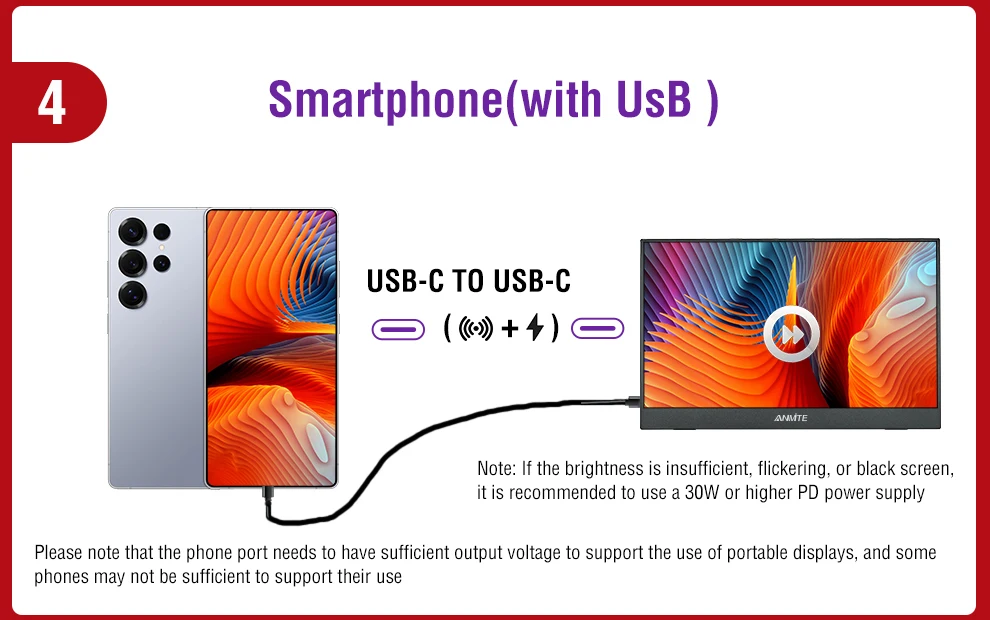
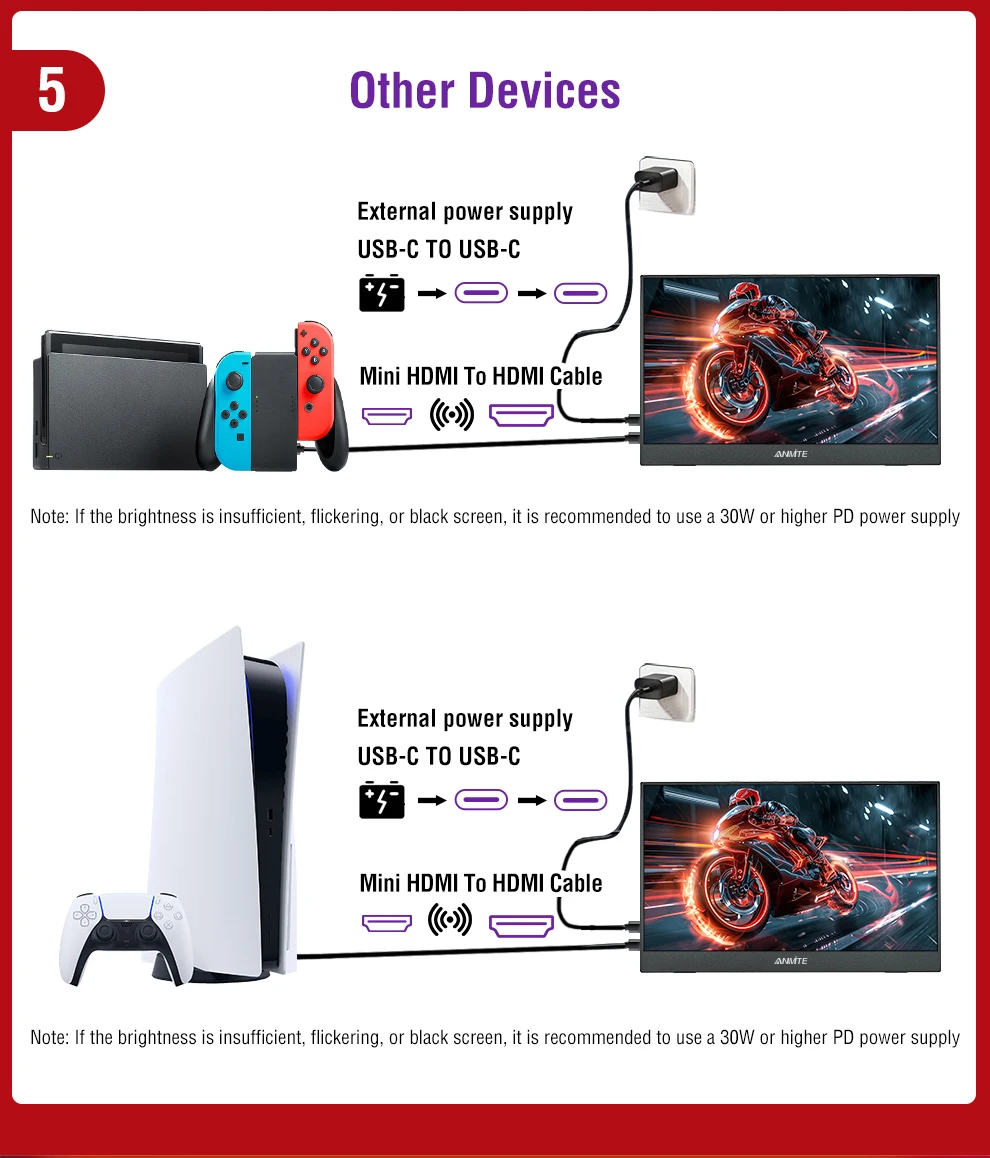
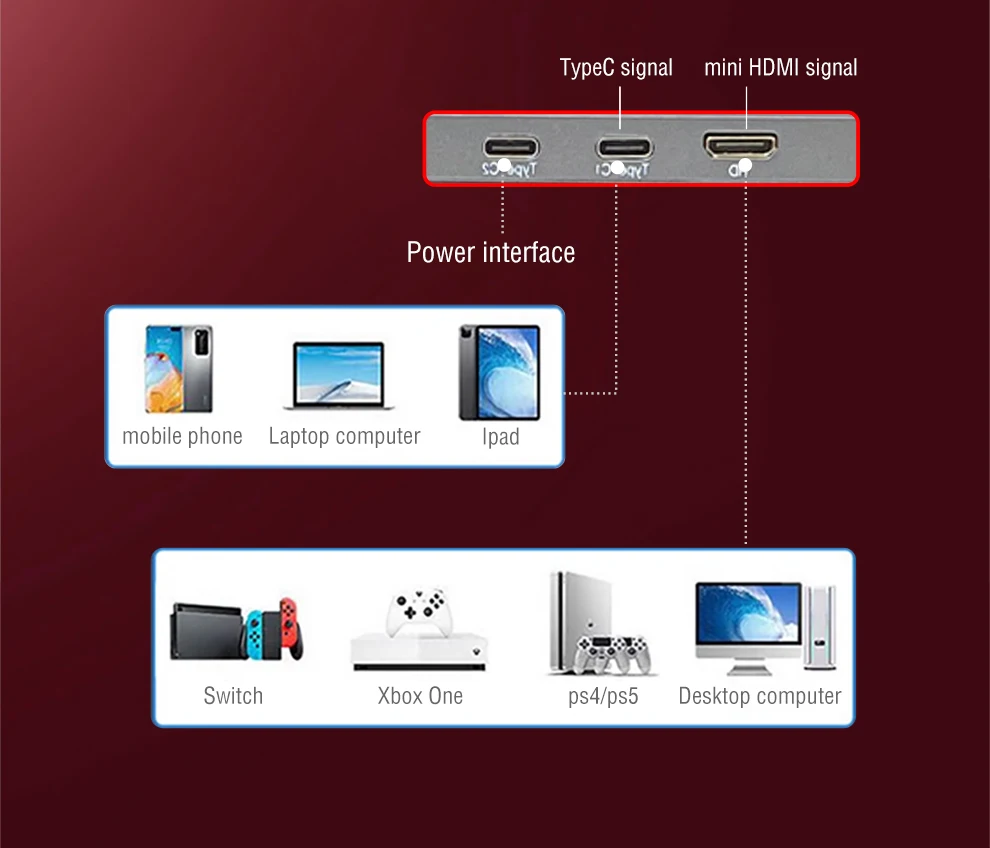
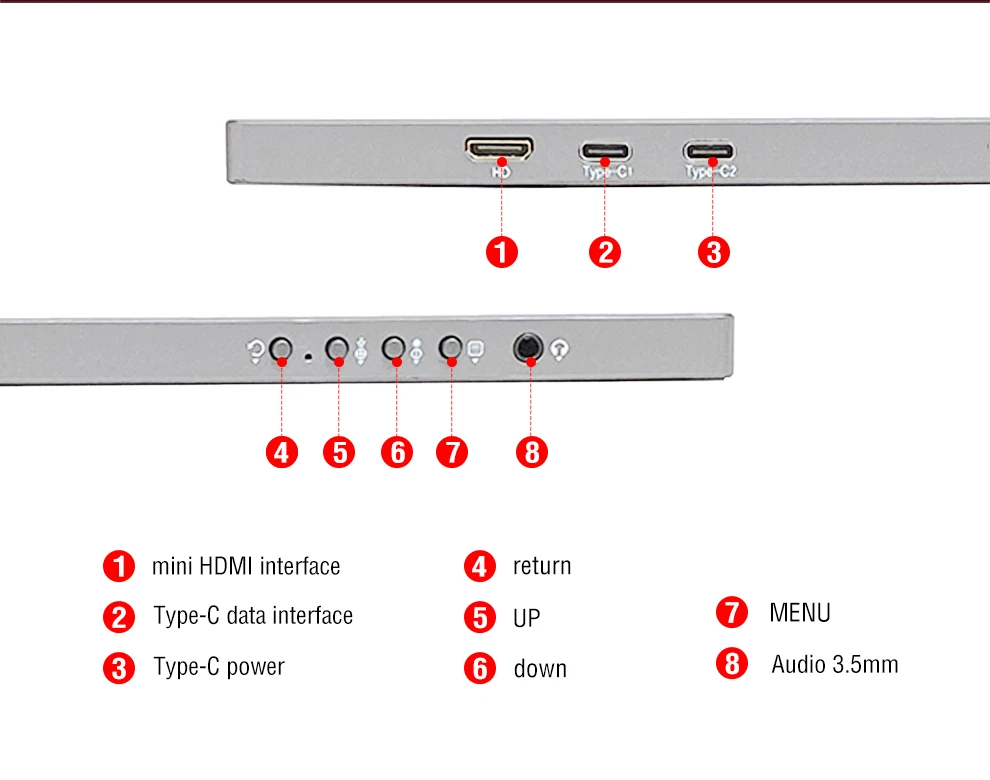
Dual Thunderbolt Type C interface] Anmite A160W04H is equipped with dual Thunderbolt Type C interfaces. All Type C interfaces support power management and mirroring functions, so there is no need to worry about plugging the wrong power interface and burning the motherboard.
Six display modes + OD acceleration] Anmite A160W04H provides six display modes: standard/game/video/text/FPS/RTS, suitable for different scenarios. In addition, the OD acceleration function is more practical during the game.
165Hz depends on the graphics card model of the laptop/PC
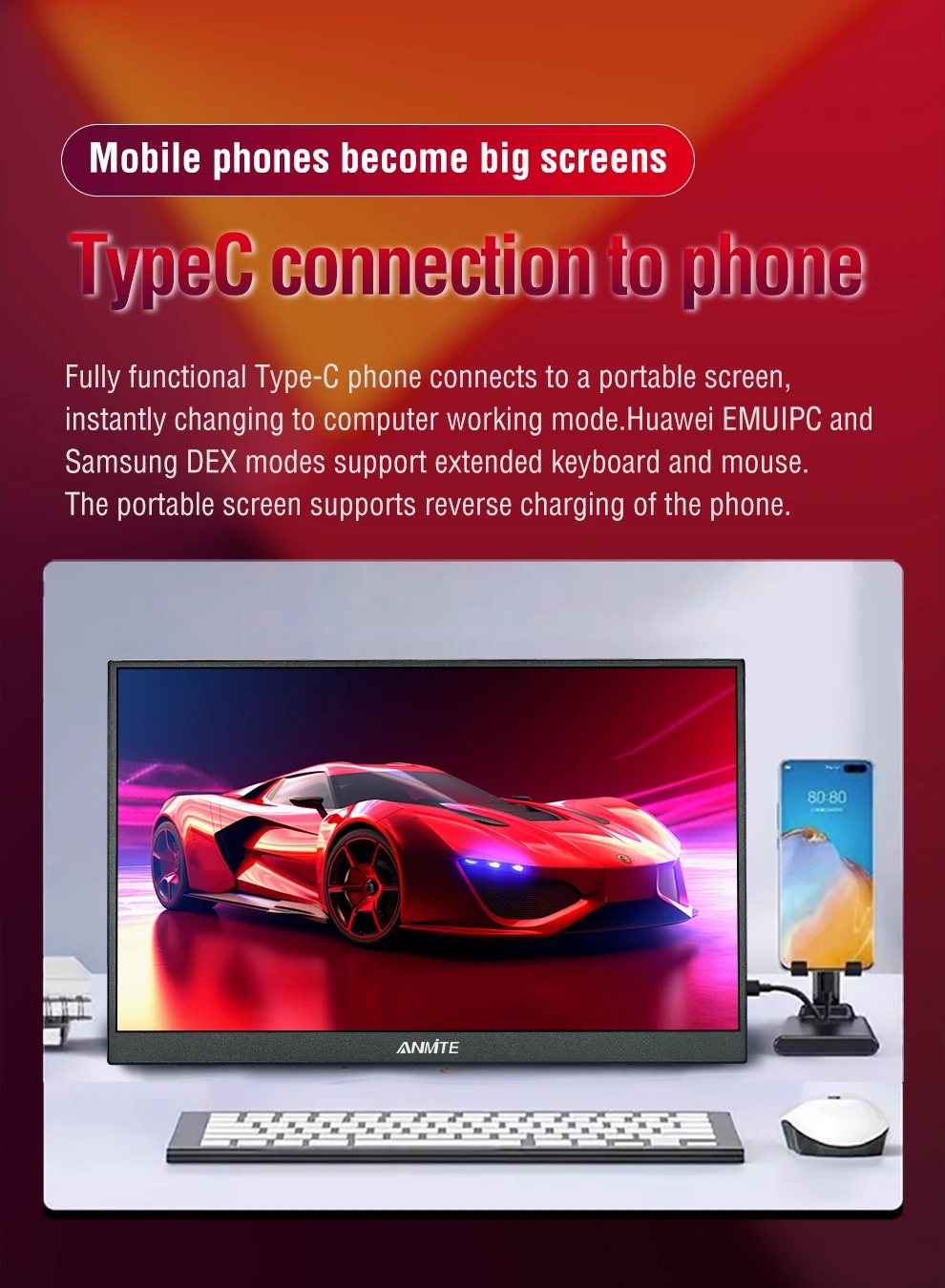
Mobile phones can basically only support 60Hz unless they support 120Hz.
Only some laptops support 144Hz.
How to check the 120/165Hz of a laptop?
Taking Windows system as an example: Display Settings-Advanced Display Settings-Portable Display Properties-List all supported display modes